Introduction
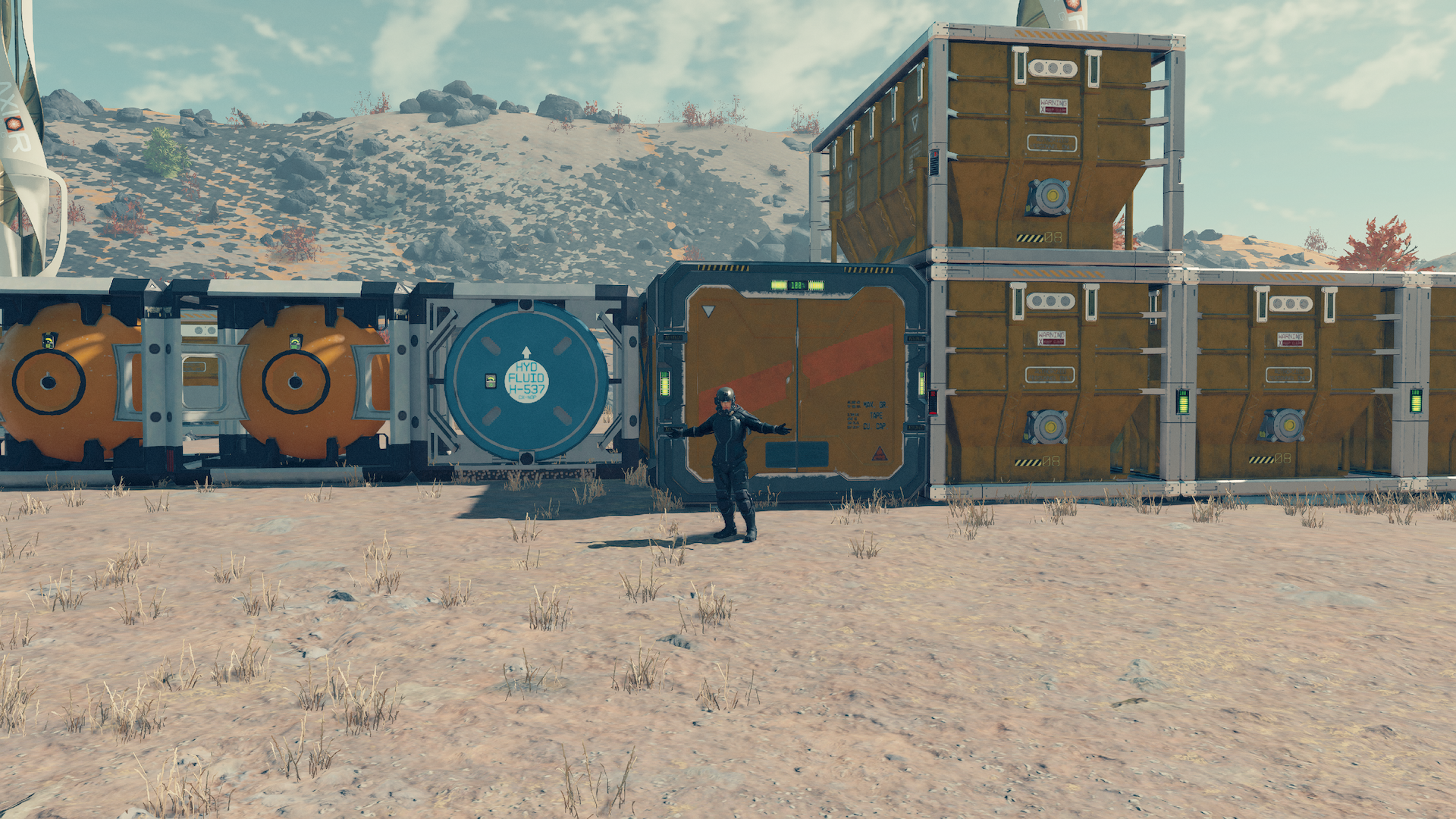
The way you handle storage is going to depend on your preferences. I hate how the cargo containers look, but they are extremely useful. Everything in this article was done after I did the proper research.
You’ll need to make sure you have Outpost Engineering at rank 2. You’ll also need to ensure you’ve completed manufacturing 2 and 3. Please note that you might just need Outpost Engineering at rank 2. For this article, I forgot to track what the research was giving.
Cargo Links
All outposts will need Cargo Links to operate correctly. You can have as many as 3 per outpost. You’ll have to have a Transfer Container to transfer items directly from your ship.

The Cargo Link has two different containers on top. One is for incoming cargo, and one is for outgoing cargo. When you’re linking Cargo Links to boxes, you have to link them properly. The incoming box should be linked to your storage containers.

In build mode, you can hover over the box to see if it is incoming or outgoing cargo. If you only receive items at your base, connect the incoming box to the various cargo containers. You can find the Cargo Link in the miscellaneous tab of the build menu.
Storage Solutions
The first thing you must know about storage is that each cargo box has multiple sizes. I will show you the small, medium, and large crates in this article. Some crates are specialized and can only store a specific type of material. If you want to use general storage, use a warehouse.
All storage options under the storage category will give you access to those materials without retrieving them. I have not found a good way of sorting materials, but I also don’t mind checking my cargo crates. To use the storage at your outpost, you have to land on or be near the outpost to access your materials.

As you build bigger storage crates, you’ll need different materials. You can craft adaptive frames at any time. Don’t forget to keep some on hand so you don’t have to walk back and forth.

- Small crates have a mass of 75.
- Medium crates have a mass of 150.
- Large crates have a mass of 300.
Use left and right on the d-pad to select different-sized crates.
Crates of all types can be stacked. I have only ever made my crates two crates high, but you can go three crates high as well.

Finally, you can link crates together. Each crate size will take up a different amount of space, so plan accordingly. In the photo below, you can see the small crates (square), medium crates (rectangle), and the large crates (big box.)

Other types of storage
Aside from the storage boxes and your ship, there are other ways to store your goodies. Remember that these storage options require you to manually access the chests to get your items.
In the Decorations category, you will find an assortment of boxes. The first selection will give you the following:
- Storage box.
- Cooler.
- Ammo case.
The second selection will give you the following:
- Safe variants.
You can also store things on Mannequins and anything else in the display tab.

Aside from the storage boxes and your ship, there are other ways to store your goodies. Remember that these storage options require you to manually access the chests to get your items.
In the Decorations category, you will find an assortment of boxes. The first selection will give you the following:
- Storage box.
- Cooler.
- Ammo case.
The second selection will give you the following:
- Safe variants.
You can also store things on Mannequins and anything else in the display tab.


Closing
Starfield has many storage options, and it will be up to you to decide how you want to organize and display your items. Some of the decorations featured in this article require you to get the rank two decorations research.